Feedlane for iOS: beta now on TestFlight
Simon
Feedlane now has a native iOS app. The beta runs on Apple's TestFlight and is open to anyone who wants to test along. Existing accounts work directly, just sign in and start reading.
Join here: testflight.apple.com/join/ktNwjzUH (Apple's TestFlight app needs to be installed from the App Store first).
What's already in
The app is still beta, but the daily reading flow is fully there. What you use on the web every day is along for the ride:
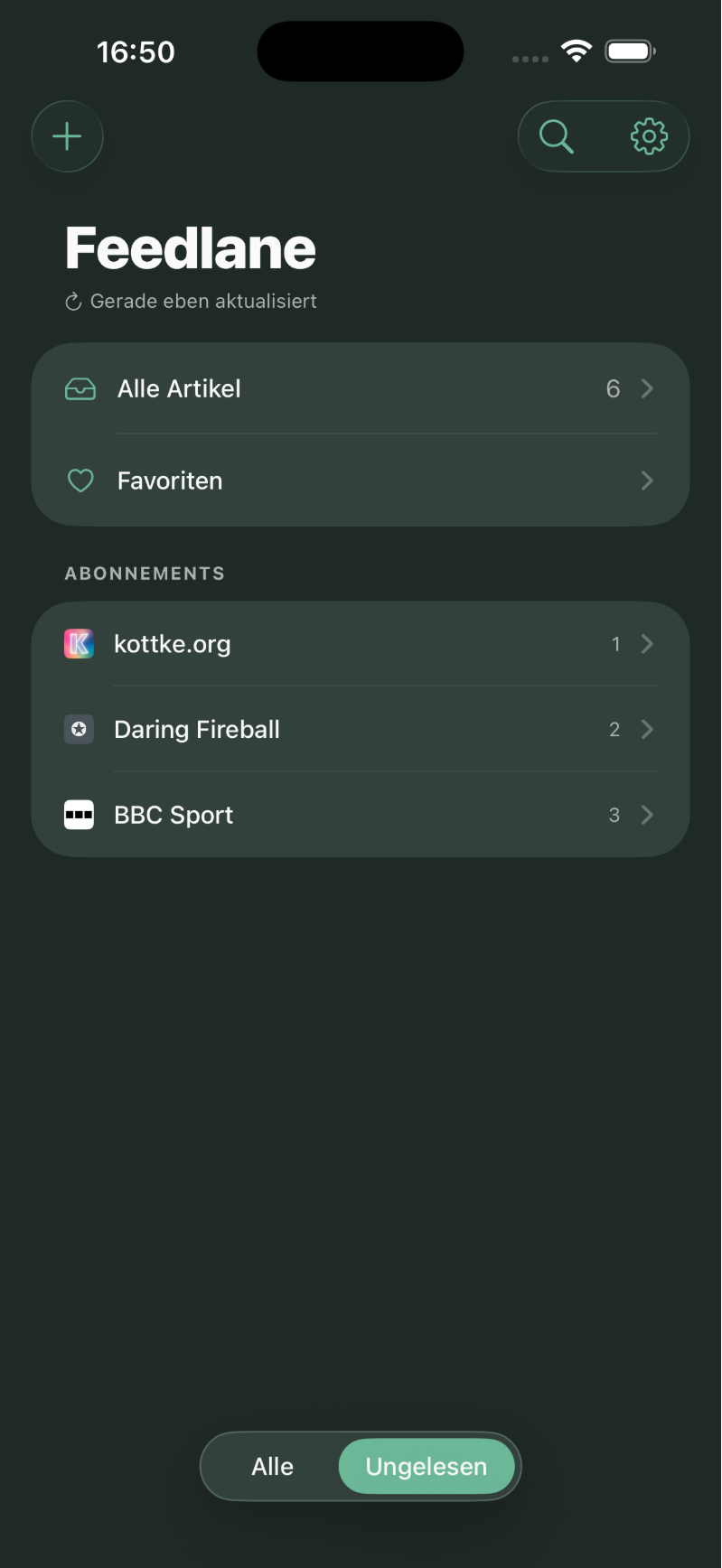
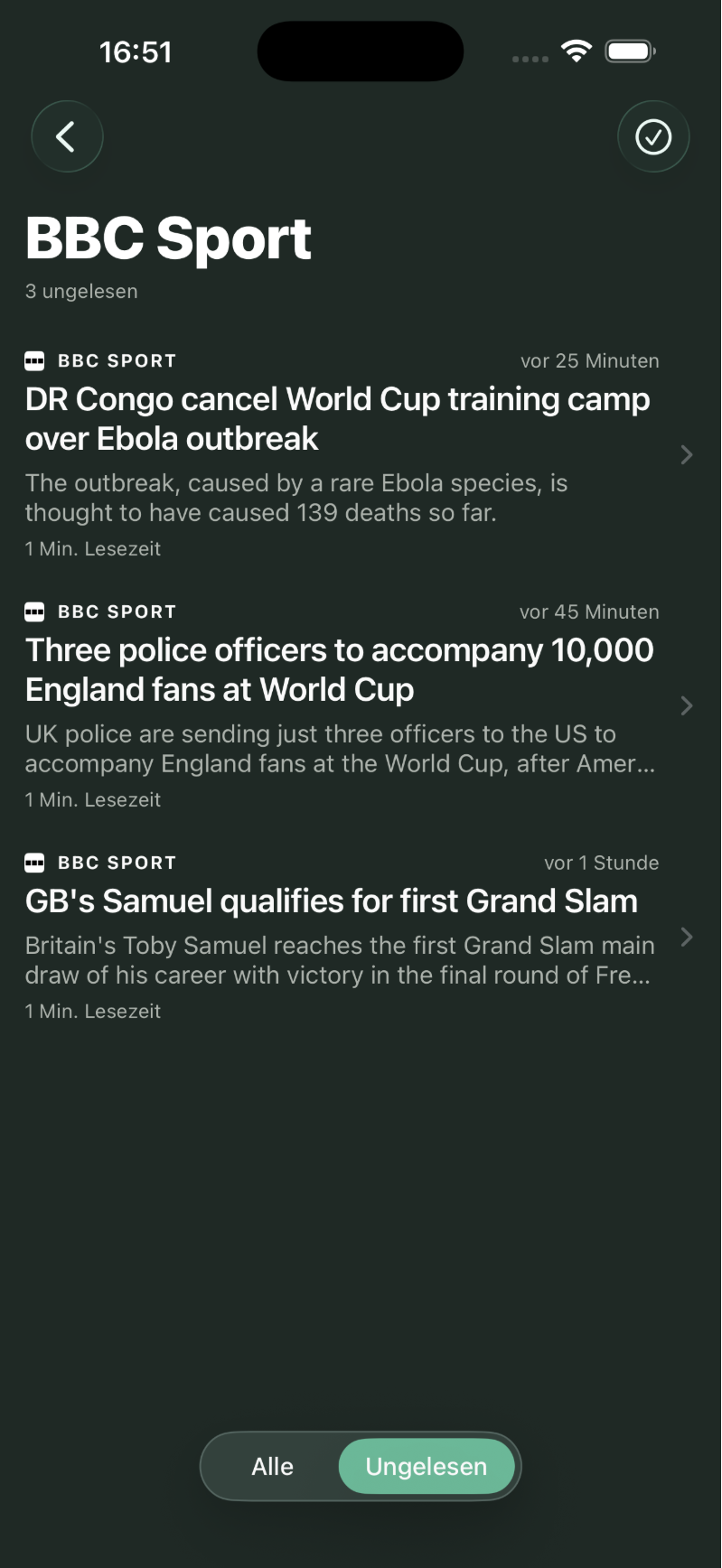
- All articles, individual feeds and folders can be browsed the same way as on the web.
- Favorites: view them, add new ones, remove them.
- Scroll to mark as read: at the end of a list, just keep scrolling, every article gets marked read and you land directly in the next feed or folder. No "mark all as read" button, no confirmation, just stay in the flow and move on to the next one.
- Subscribe to new sources straight from inside the app.
- Server-wide full-text search across every article in your account.
- Story clusters are marked accordingly in the article list and in the detail view, and you can tap to switch between the sources.
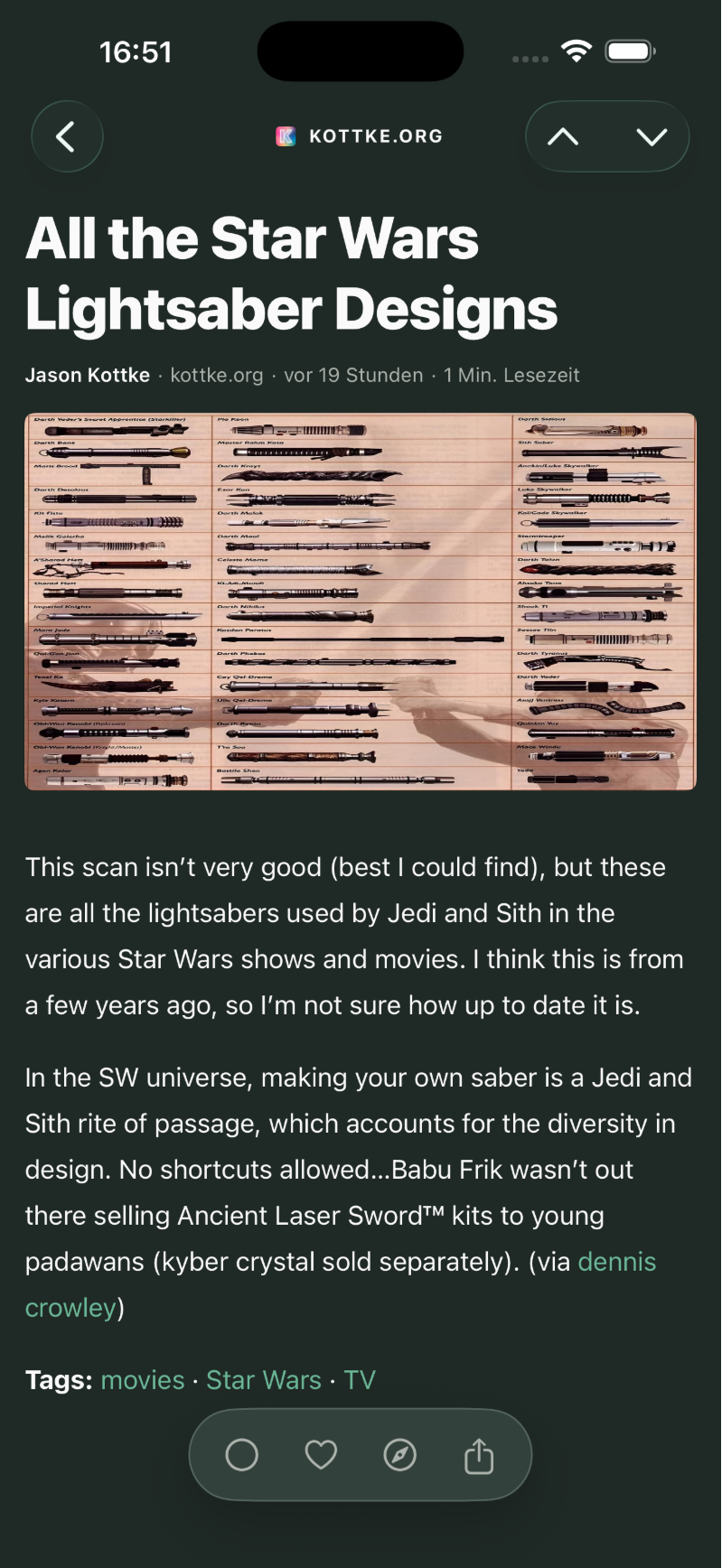
While reading, you can open any article directly in Safari Reader Mode to get the full text from the original page, in case the feed only ships a teaser. No extra app, no detour through share sheets, just one tap.
Four themes
Four themes to pick from: Light, Dark, Black (true black for OLED) and Sepia.
Joining in
The TestFlight beta is open. If you want in, install Apple's TestFlight from the App Store, then follow this link: testflight.apple.com/join/ktNwjzUH. I'm happy to take feedback on the app directly. Every bug, every wish, every weird edge you spot helps me make the next iteration better.
Screenshots