Follow YouTube channels like any other feed
Simon
Feedlane now supports YouTube channels. You can subscribe to any channel like a normal RSS feed and watch new videos right inside the reader.
How it works
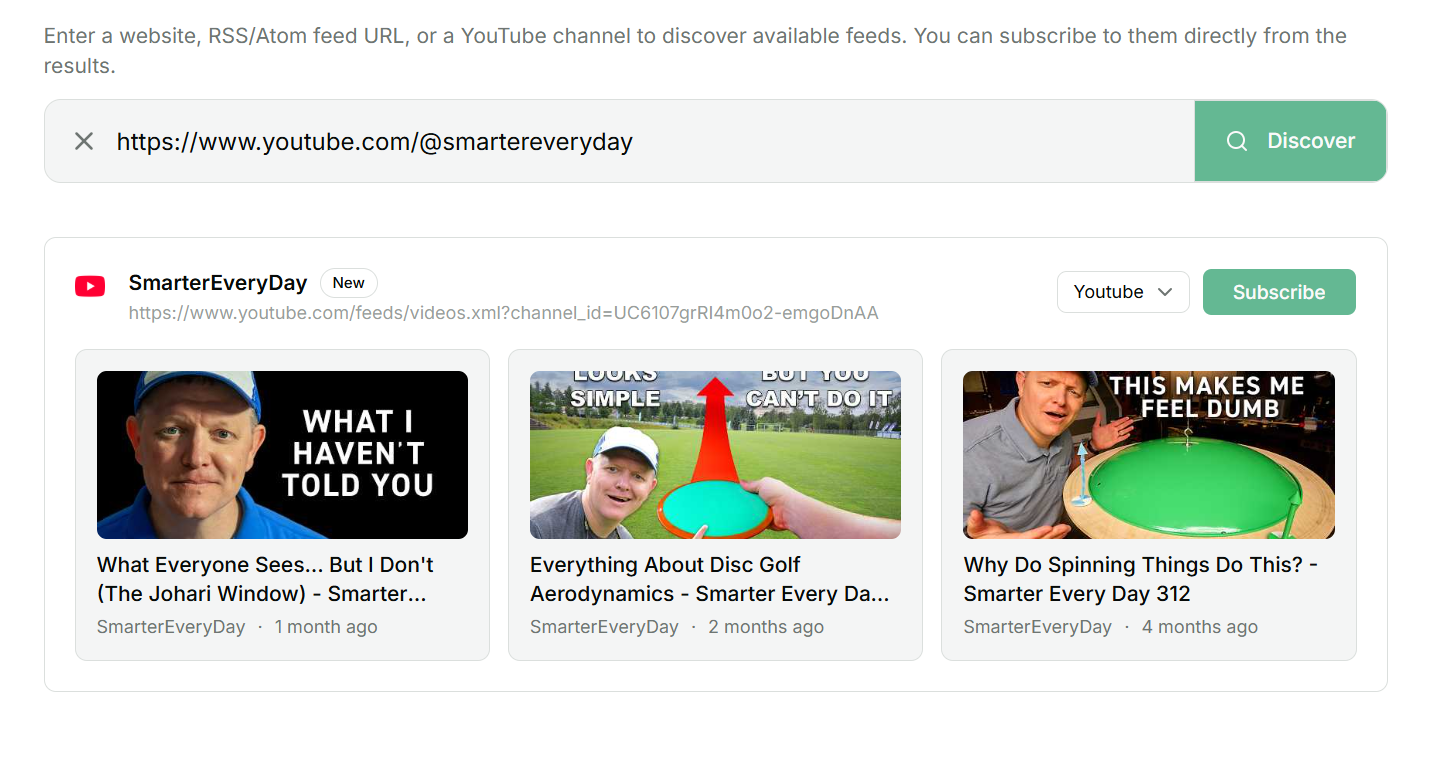
In the "Add feed" dialog you can paste any of these:
youtube.com/@MrBeastyoutube.com/channel/UCX6OQ3DkcsbYNE6H8uQQuVAyoutube.com/c/Veritasiumyoutube.com/user/SomeOlderChannel
After you subscribe, the channel shows up in your sidebar with its avatar as the icon. The latest 15 videos land in your article list, sorted by publish date the same way everything else is.
Click a video and the player runs right inside the reader. No new tab, no recommendations on the side, no autoplay. Below the player you get the description with clickable links, the view count and the star rating.
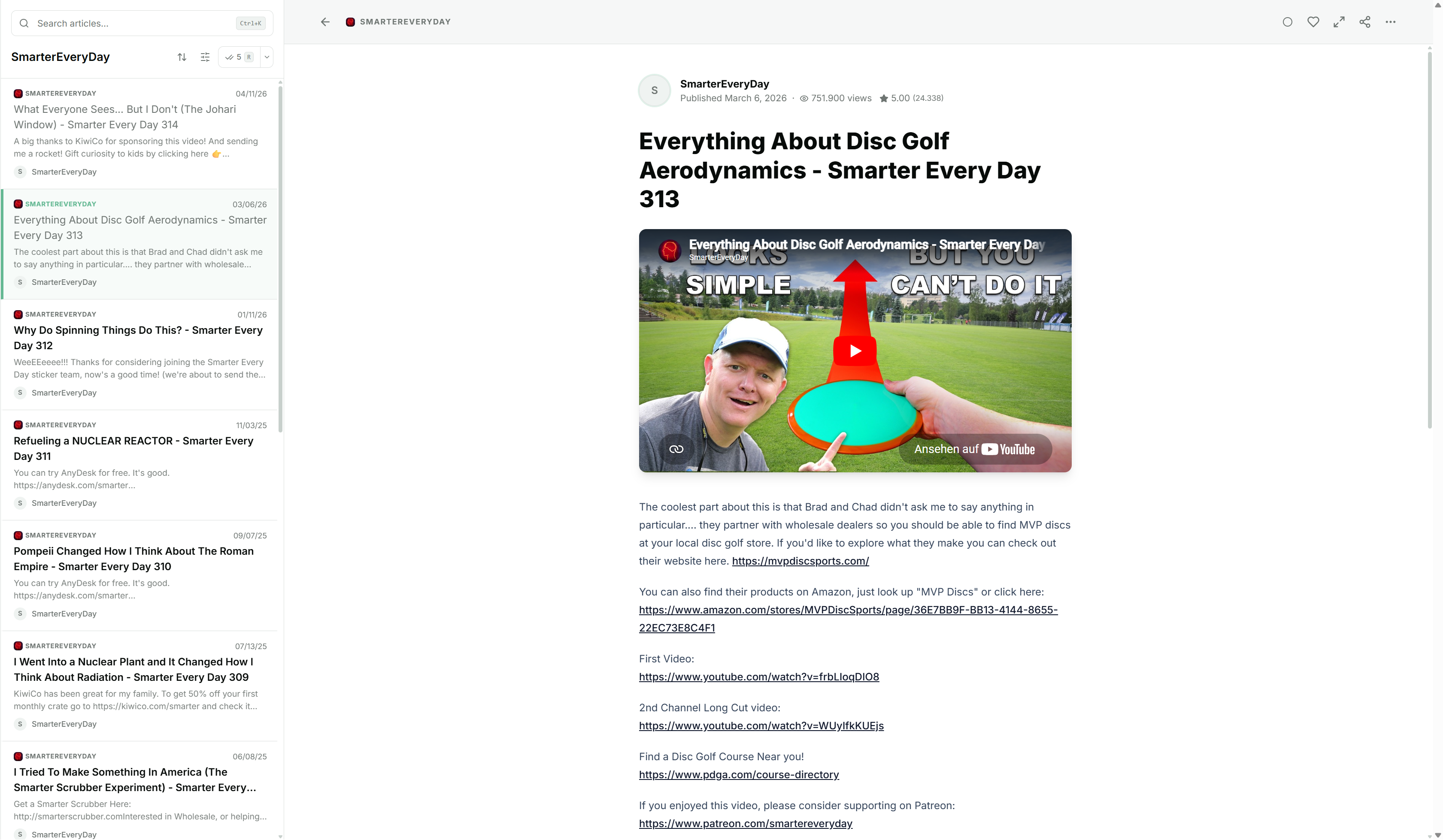
When you're done you're back in your feed list. Not on YouTube's homepage.
What you don't need
No Google account, no OAuth, no API key. YouTube publishes an Atom feed for every channel, and Feedlane just uses that. Which also means we don't see what you watch, and YouTube doesn't see who's reading. The channel page gets fetched once at subscribe time to grab the avatar. After that it's just the small feed file on the normal sync schedule.
The player is the youtube-nocookie.com variant. Cookies only get set if you actually hit play. And even then they stay inside the iframe, separate from the rest of your Feedlane session.